Free WhatsApp QR generator
Create a WhatsApp QR that opens with your message
Enter your number and prefill message, then click Generate QR — free, no signup.
Plastic QR cards
Want this QR on a plastic card?
Durable cards for counters, packaging, and networking. Register interest so we can gauge demand — we'll follow up about printing options. No payment required.
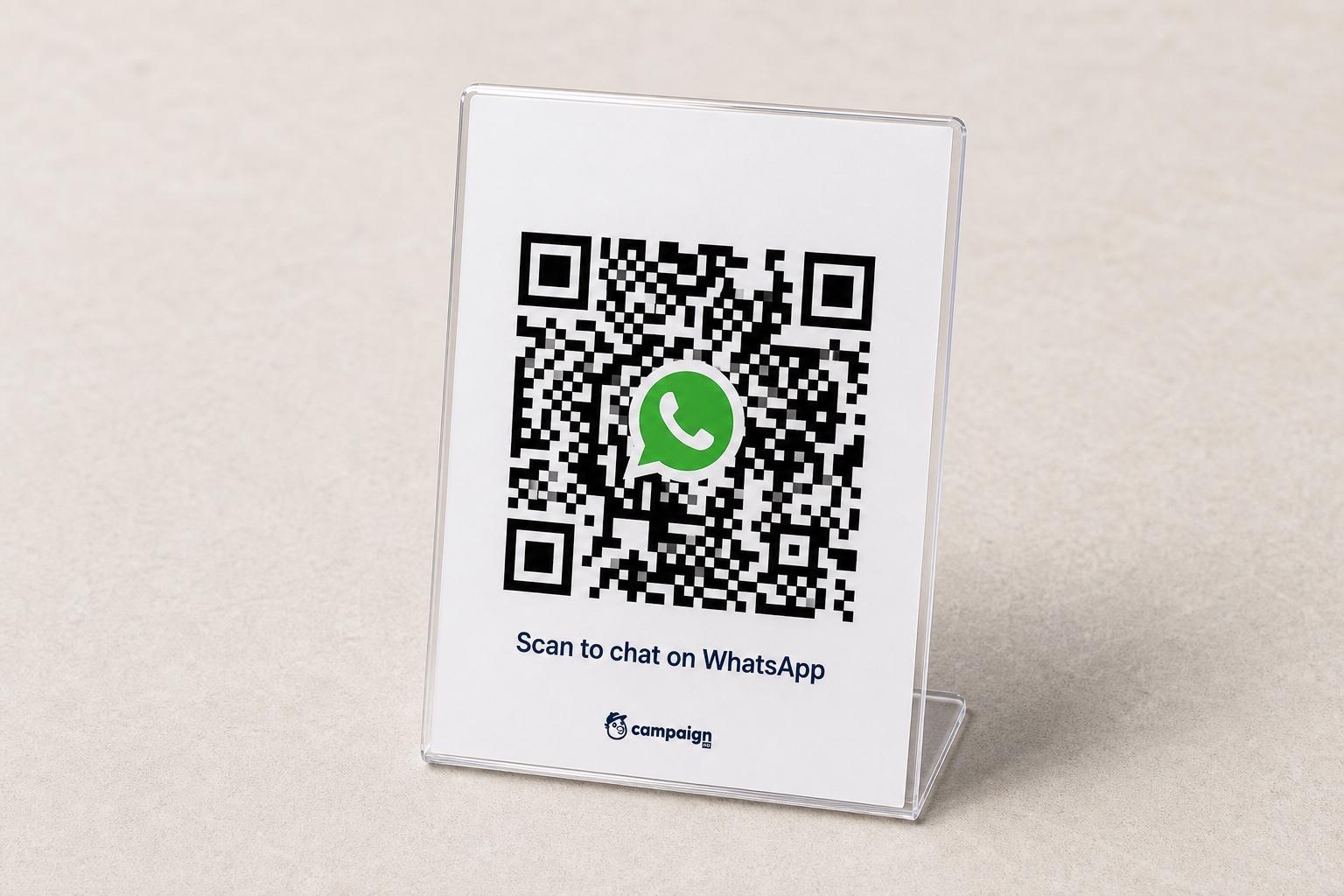
Register interest / order plastic prints
Share your details and approximate quantity. We'll reach out with next steps.
How it works
Three steps from number to scannable QR, no app install required for you or your customers.
Add your WhatsApp number
Enter the number people should message, then click Generate QR to create your code.
Write a prefill message
Use a ready template or your own copy so every scan opens WhatsApp with context already typed.
Generate, download, or share
Hit Generate QR, then export a PNG for print and signage, or copy the wa.me link for digital use.
Where teams use WhatsApp QR codes
One QR, your number, your message, useful anywhere people would rather chat than fill a form.
Stores & counters
Let walk-ins scan instead of typing your number, great for support, orders, and enquiries.
Packaging & receipts
Add a QR to boxes, invoices, or thank-you cards so customers can re-order or ask questions.
Social & websites
Put the same QR on Instagram, LinkedIn, or your site, one scan, one WhatsApp chat.
Sales & networking
Share on badges, decks, and business cards so follow-ups start with the right intro.
Campaigns & print
Use on flyers, posters, and ads when you want WhatsApp as the conversion channel.
Support shortcuts
Route people into WhatsApp with a message that names the product, order, or issue.
Use cases
What to do after someone scans your QR
The QR starts the chat. CampaignHQ helps you qualify, book demos, and follow up, without juggling a personal phone.
Automate lead qualification
When someone scans your QR and messages you, a chatbot can ask budget, use case, and timeline, then tag hot leads for sales.
Book a demo from chat
Guide scanners to pick a slot or share a Cal link in WhatsApp so demos get booked without a separate form.
Route to the right teammate
Auto-assign chats by product interest, language, or region so the right person replies first.
Capture details with a bot
Collect name, company, and need in-chat, then sync the contact for follow-up across WhatsApp, Email, and SMS.
Nurture after the first reply
Trigger a journey when a QR lead goes quiet, reminders, resources, or a soft CTA to book time.
Shared team inbox
Keep every QR conversation in one WhatsApp Business inbox with assignment, tags, and full history.
After the first message
Turn WhatsApp chats into a shared team inbox
A QR gets the conversation started. CampaignHQ helps your team reply faster, keep context, and nurture contacts across WhatsApp, Email, and SMS.
- Shared WhatsApp Business inbox for the whole team
- Assign, tag, and follow up without sharing a personal phone
- Run campaigns after the first conversation starts
- Official WhatsApp Business API: built for scale
Prefill that converts
People don't open a blank chat, your intro is already typed.
Print or digital
Download PNG for packaging and signage, or share the wa.me link online.
Personal or business
Use your own number either way; scale to a team inbox when volume grows.
Team follow-up
Keep replies, tags, and history in CampaignHQ instead of one phone.
Frequently asked questions
Everything about the WhatsApp QR generator, the prefill message, and where CampaignHQ fits.
Still have questions?
Yes. Create and download WhatsApp QR codes with a prefilled message at no cost. No account or signup required.
Their phone opens WhatsApp (or WhatsApp Web) to a chat with your number, with your prefill message ready to send. They still tap Send, nothing is sent automatically.
Personal works for individuals. For teams and higher volume, a Business WhatsApp number is better, and CampaignHQ can put that inbox in one shared workspace.
Yes. Edit the number or message anytime, then click Generate QR again for an updated code. Download again if you need a new PNG.
No. The generator works on its own. CampaignHQ helps when you want a team inbox, automation, and campaigns on WhatsApp, Email, and SMS.
We're gauging demand for durable plastic QR cards. Register interest on this page with your details and quantity — no payment yet — and we'll follow up about printing options.
Ready for WhatsApp that scales with your team?
Start a free trial or book a demo to see shared inbox, journeys, and multi-channel campaigns on CampaignHQ.